Joining two photos in an online

Start

With these online tools you can easily join and combine two photos into one. In addition you can also apply different filters and add picture frames. It's simple to do, you just have to select the effect that you like to put together multiple photos into one and upload the images. Automatically after, you can download the montage with several photos that will be generated.

    Show more!
    Joining two photos in an online

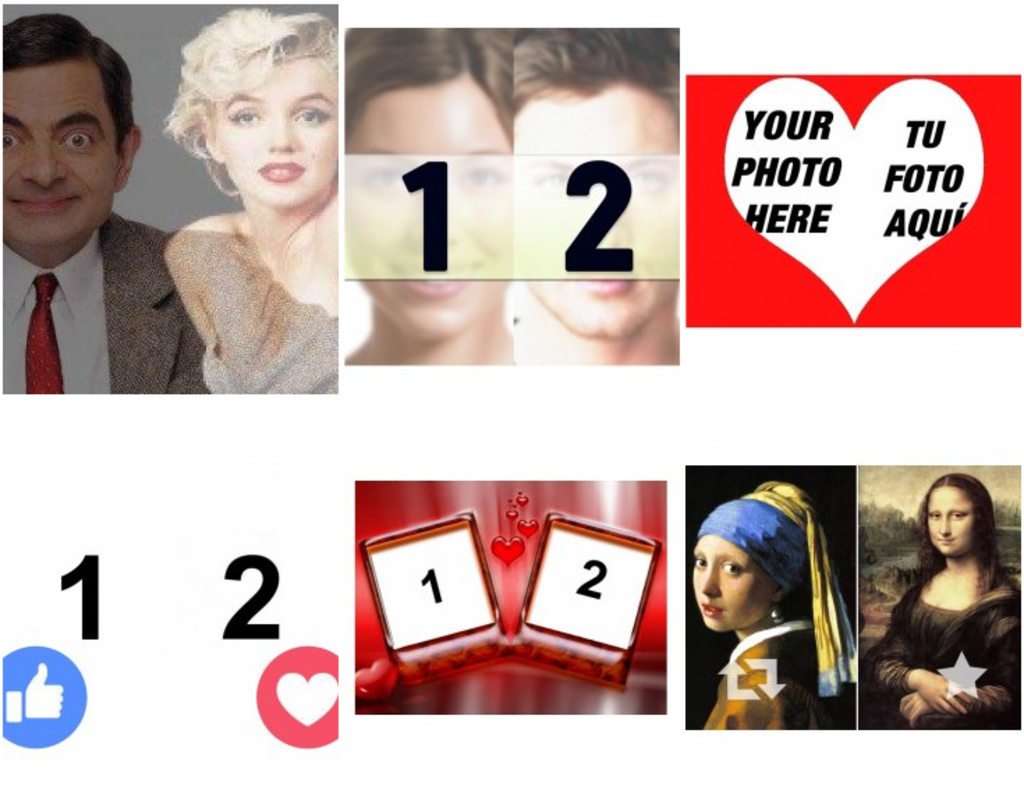
    Overlay two images into one photo easily online. Create a photo composition with two photos to place an image over another. ..
    Make collage of two photos in one. ..
    Photo effect to put two photos inside a heart.  ..
    Collage for two photos divided horizontally. ..
    Put two photos together with a decorative Christmas wreath with this effect ..
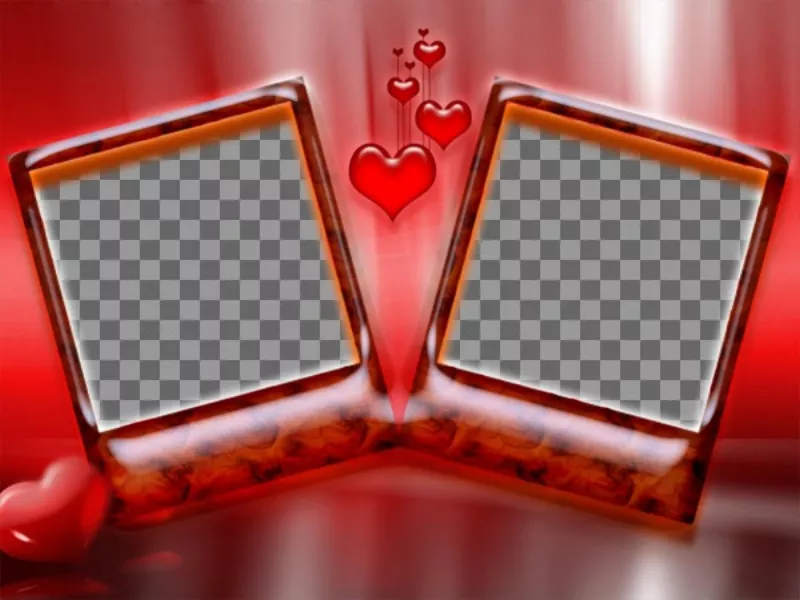
    Frame for two photos with red background and hearts. Ideal for lovers on Valentines Day. Very..
    Fuchsia and black frame for two photos with a heart with arrow in the center to create photo collages with your romantic..
    Margins for two pictures on twitter with
    Collage for two photos with two different margins; one for angel and one for demon. ..
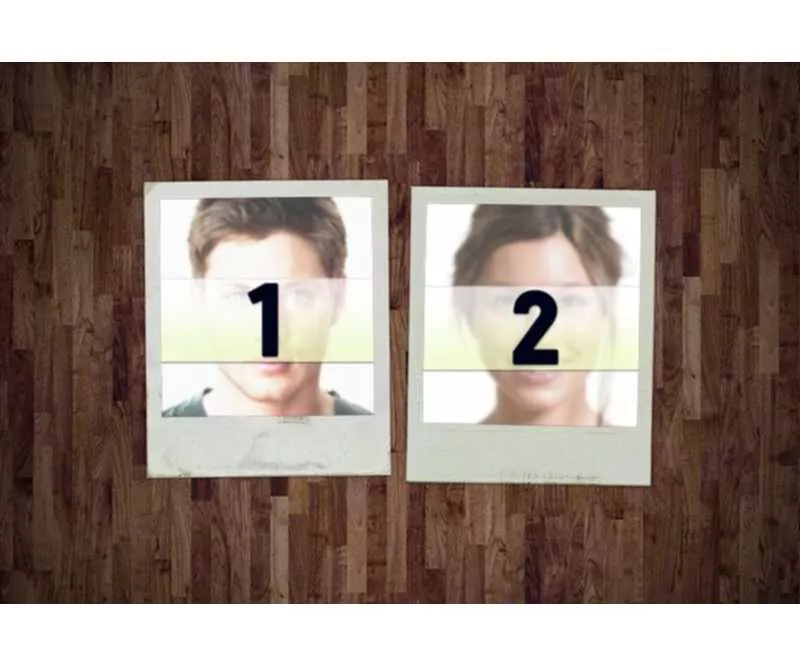
    Collage for two Polaroid style photos ..
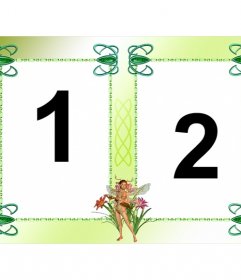
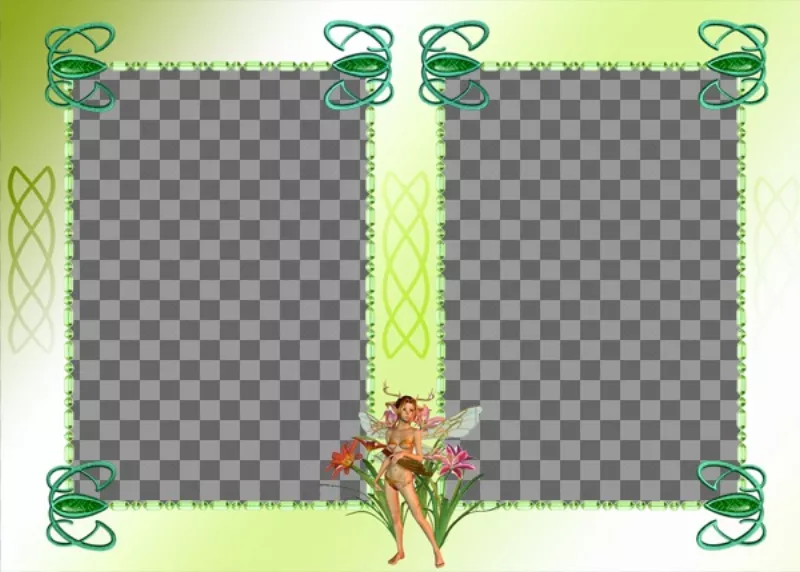
    Photo frame with two photos, fairy ornament and green..
    Photomontage for two photos of Pokémon ..
    Upload the photo of what you like and what you love to this online effect ..
    Margins for facebook photo strip with "like" and "share." ..
    Photo collage with a ribbon and a heart to decorate two photos ..
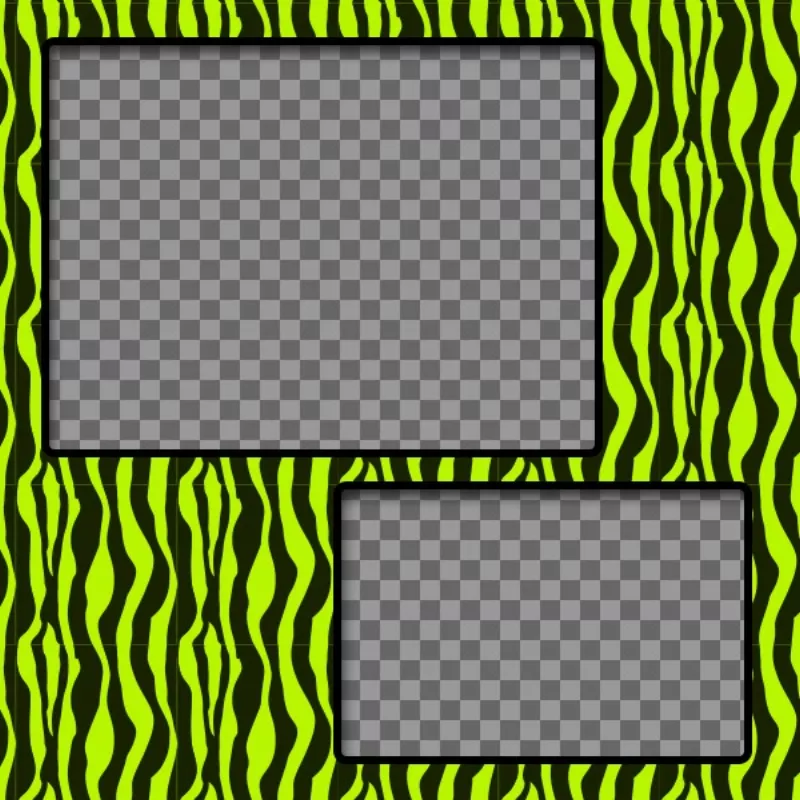
    Create a collage with green and yellow zebra patterned and two photos..
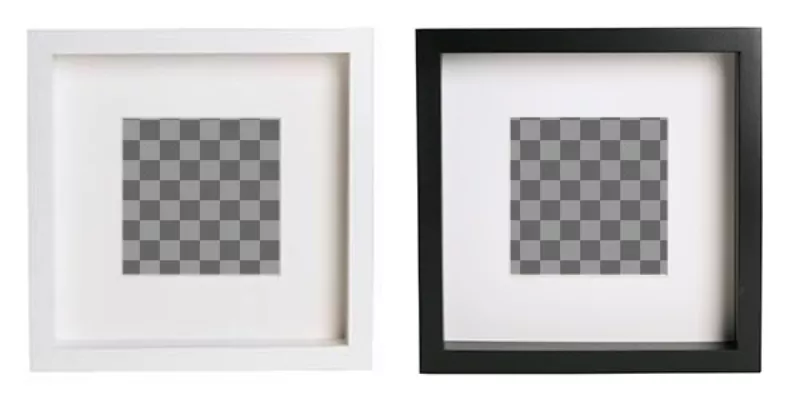
    Create collage online with 2 black and white square photo frames to put your images and add..
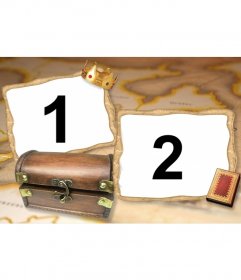
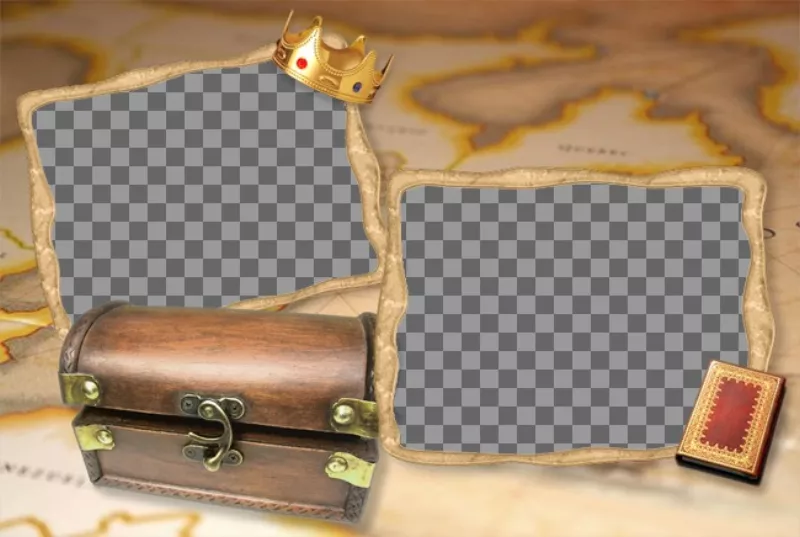
    Picture frame treasure chest with a background map. ..
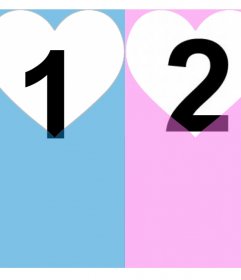
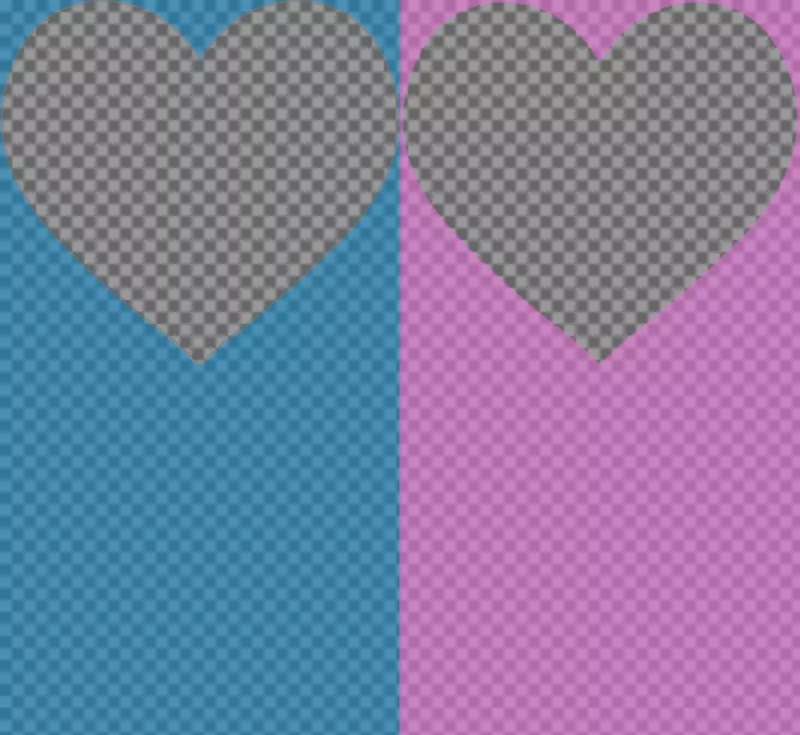
    Effect for two photos and add them in a pink and blue filter with hearts ..