Photo montages online

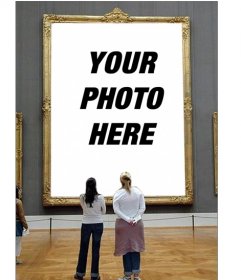
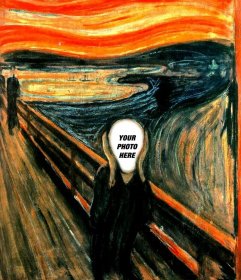
Put your pictures on a billboard in a landscape, in a cup of coffee, in the stadium's video marker or in famous paintings! With your photos you can make great montages that will surprise your friends. The limit is your imagination!

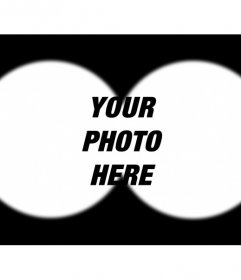
  • Photomontage that simulates a binocular view picture where you can upload any photo
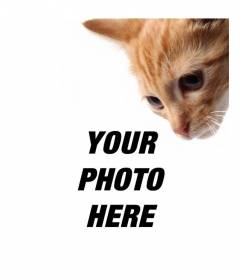
  • Add a kitten to your photos and also also to customize them easily
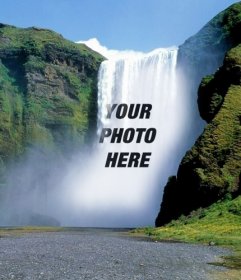
  • Photomontages with waterfalls where you can put your photo online
  • Free photo effect to your photos with a filter of a flower
  • Online effect to edit and add your picture in a landscape with daisies
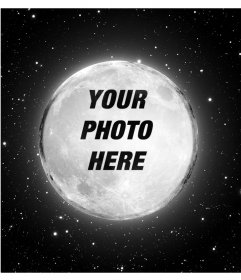
  • Night of stars and moon to put your photo as online filter
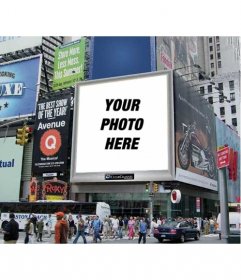
  • Photomontage, a staff of an urban environment, with an advertising screen, among
  • Card to say THANK YOU to someone and edit with a photo online
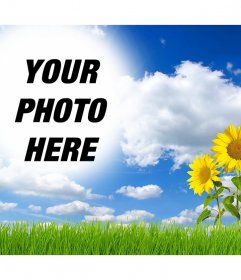
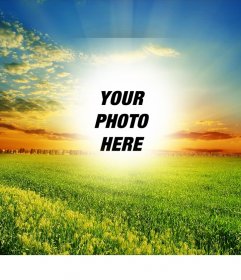
  • Beautiful green landscape where you can add your photo in the sun
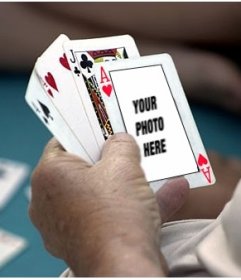
  • Photomontage to put your photo on an ace of hearts in a poker game
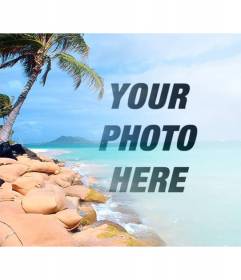
  • Collage with a heavenly beach with blue water and palm trees to put your photo and
  • Upload your photo to this effect of a violin and piano
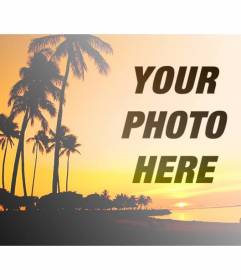
  • Create a collage with a summer landscape with a beach and palm trees with orange
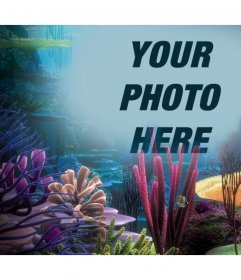
  • Your photo on the ocean with corals, just upload it to this photo effect online
  • Photomontage with a puppy to put your photo in a card held by the puppy
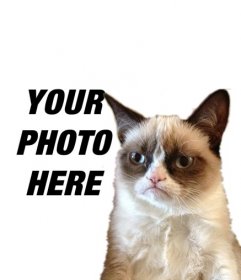
  • Photomontage with Grumpry cat, meme that has become famous all over the Internet
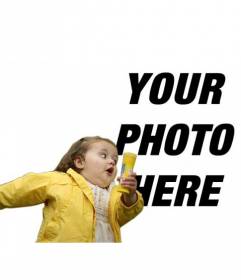
  • Photomontage with the bubble girl in the yellow raincoat and the fashionable meme
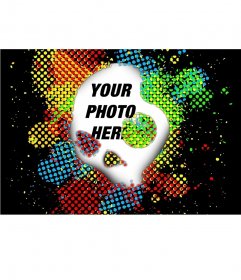
  • Put your photo with a skull and background colors

If you like this page of Photo montages share it to help us do more photo effects for you:

Photo montages online


How to make photomontages?

With these photo montages you will be able to create and add different frames for photos, online photo effects, free photo retouching... These are the steps to follow:

  1. Select the photo effect you want to apply.
  2. Upload a picture from your PC, from the Internet or from your Smartphone
  3. Crop and select the part of the picture you want.
  4. Download and share your creation with your friends!
Show more